01 / Cars
THE PHOTO-TO-VIDEO STUNT GARAGE
Tesla Roadster
AI Video
Generator.
Your photo. Same chaotic energy.
Turn your Tesla Roadster video idea into a ridiculous cinematic stunt. Pick a ride, bring your photo, and give gravity the day off. Your car, your crew — yes, even your dog.
01 PHOTO10 SCENESZERO DRIVING SKILLS
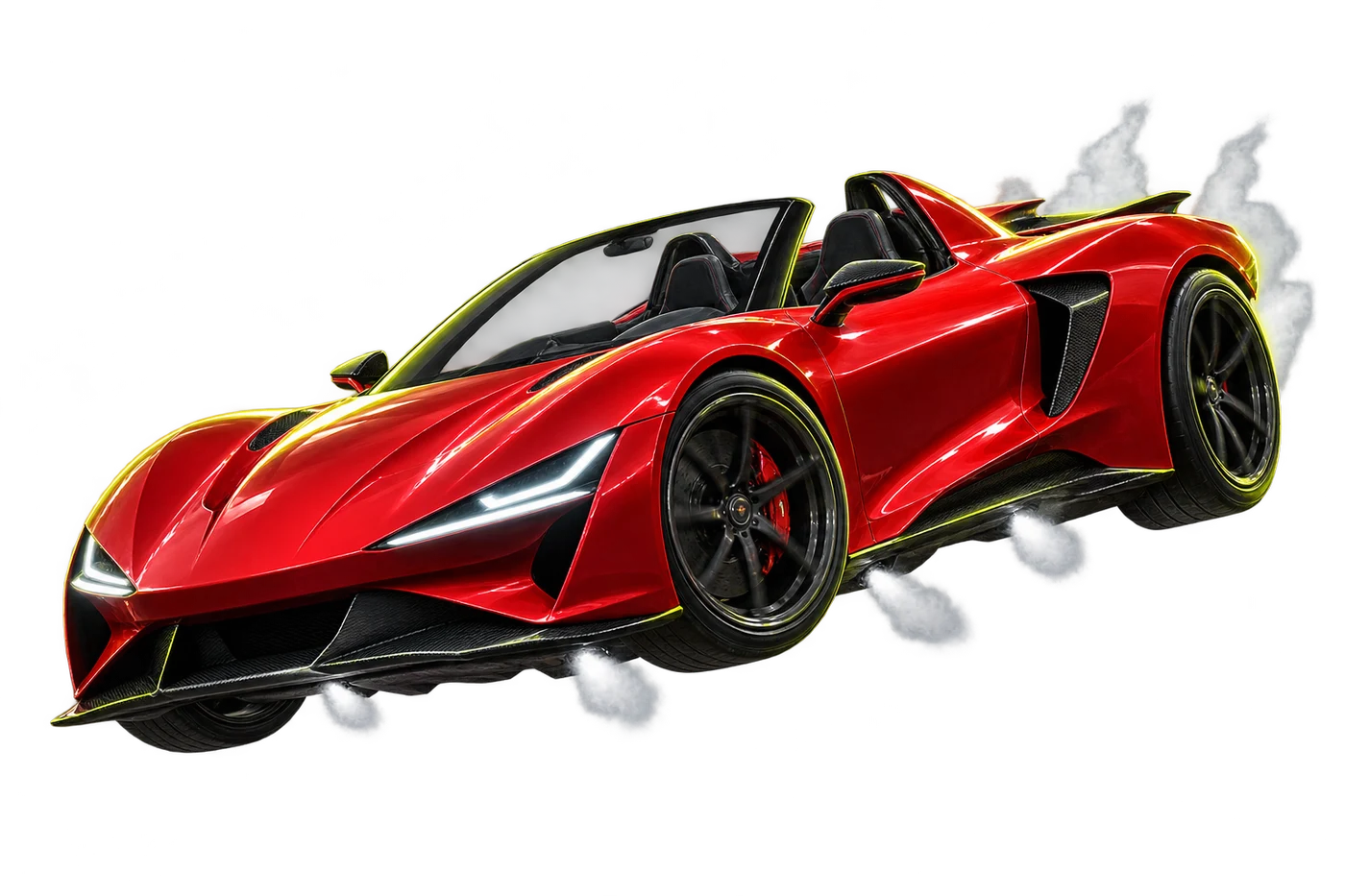
FICTIONAL STUNTS. REAL MAIN-CHARACTER ENERGY.STUNT CAM / 01
↗
FICTIONAL SCENE
GRAVITY LEFTMAIN CHARACTER: YOU.
PHYSICS: OPTIONAL.
FICTIONAL SCENE
THE CHAT ↗
01 / THE WORKSPACE
You. But absolutely airborne.
Drop your photo. Pick your chaos. Dial in your Tesla Roadster video.
YOUR GARAGE
My videos & credits
Sign in to keep track of your renders and credit balance.
02 / STRAIGHT OUT OF THE GARAGE
Select your chaos.
The same impossible stunt energy. A very different main character.
03 / THE PROCESS
Three steps. Zero chill.
Pick your chaos.
Start with a scene that fits your idea: your car in the air, a cinematic portrait or an unexpected pet adventure.
Drop your photo.
Add a clear photo. Set the duration, resolution and frame to match the story you want to tell.
Send it. (Virtually.)
Review your reference and credit estimate. Create your video, then find the result in My videos.
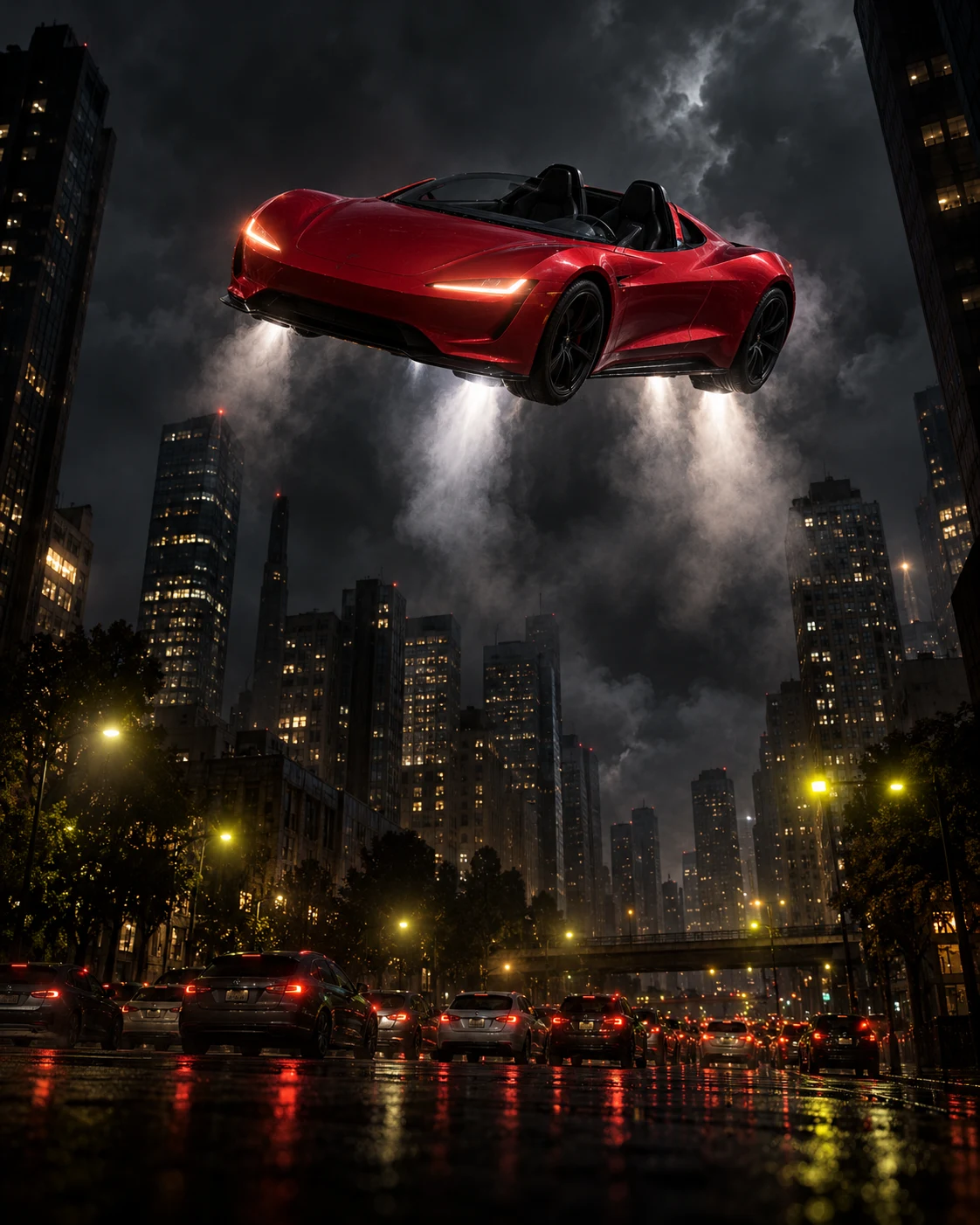 TRAFFIC RULES DO NOT APPLY TO YOUR IMAGINATION.
FOR THE PLOT
Your daily commute.
Slightly unhinged.
Some photos belong in an album. Yours might belong on an impossible ramp. Make a Tesla Roadster video with a flying car, a bike that definitely should not do that, or a pet with an outrageous new hobby.
- One capable video model
- MiniMax H3 powers your scene. Duration and resolution set the credit estimate.
- Every kind of frame
- Vertical stories, square posts or a wider cinematic perspective.
- A thoughtful starting image
- Scene-specific photo guidance helps you prepare a clearer creative brief.
04 / PLANS & CREDITS
Fuel for your next bad idea.
Compare the video credit options. Every setting shows its estimated credit cost.
Basic
For a few ideas worth exploring.
$29.90
per month
100 credits
- All 10 scene selections
- MiniMax H3 video generation
- Credits vary with duration and resolution
Pro
Popular choiceA little more creative headroom.
$49.90
per month
200 credits
- All 10 scene selections
- MiniMax H3 video generation
- Credits vary with duration and resolution
Max
For a fuller production notebook.
$99.90
per month
450 credits
- All 10 scene selections
- MiniMax H3 video generation
- Credits vary with duration and resolution
Checkout is currently unavailable. Plan prices are shown for comparison; no payment will be taken.
05 / A FEW THINGS TO KNOW
Wait. Can I do that?
Glad you asked.
A closer look at the Tesla Roadster AI video generator and how this workspace works.
About Tesla Roadster VideoWhat is a Tesla Roadster AI video generator?
It is a photo-to-video workflow for creating imagined automotive scenes. Tesla Roadster Video brings photo selection, motion templates and output settings into one workspace. It is an independent photo-to-video tool and is not affiliated with Tesla, Inc.
How do I prepare a Tesla Roadster video?
Sign in, choose a scene and add a clear photo. Select a supported MiniMax H3 duration, resolution and aspect ratio, then review the credit estimate and create your video. The generator shows service availability and tracks your render status.
Can I use a photo of my own car?
Yes. Choose a car scene and use a well-lit photo showing the entire vehicle. A front three-quarter view helps communicate the shape, paint and wheels. AI-generated details can change between frames.
Can two people appear in one scene?
The Roadster Ramp Flip, Bike Goes Ballistic and Neon Night Run scenes offer two separate portraits or one photo together. Use only photos of adults who have agreed to this use.
Which video sizes can I choose?
MiniMax H3 supports vertical 9:16, square 1:1 and landscape 16:9. Choose 768P or 2K and a duration from 4 to 15 seconds. The workspace loads the currently supported options and calculates the credit estimate before submission.
Are the example videos real driving footage?
Treat the examples as fictional, AI-style creative references. They are not evidence of a vehicle capability or a real event. Label generated media clearly when sharing it.
What happens to my uploaded photos?
Selecting a photo creates a local preview. Creating a video uploads the selected images to cloud storage and shares them with Kie for MiniMax H3 processing. Your account records the task and resulting video. No fixed retention period is promised; read the privacy notice before uploading sensitive material.
Can I buy credits or generate a video now?
The generator and pricing pages show which services are currently available. Sign in to upload and render. Available plans open secure checkout, and credits appear only after payment is verified. Your account shows your balance, video history and render status.
GRAVITY HAD A GOOD RUN